Start with what you know
If you know the interval, set a timer. If you need to measure the result, start a stopwatch.
How much time has passed
The display counts up from zero. You decide when the activity ends.
Open the online stopwatchHow much time is left
Enter an interval before starting and watch the countdown.
Open the online timer01
Use a stopwatch for an unknown duration
You are rehearsing a talk and want to know whether it fits the time available. Start a stopwatch on the first sentence and stop on the last. A result such as 8 minutes 40 seconds tells you how long the talk actually lasted.
Use the same start and finish boundaries when comparing attempts. If one recording includes the introduction slide and audience questions while another includes only the speech, the difference cannot all be attributed to speaking speed.
Example. Three rehearsals: 8:40, 8:15, and 8:05. Save each result separately and note what the measurement included.
02
Use a timer for a fixed interval
When an exercise has a 10-minute limit, a timer shows how much of that interval remains. This works for an independent task, a short break, or preparation before an answer.
A stopwatch will also reach 10 minutes, but you have to notice that number yourself. With a timer, check which ending sound is selected and whether you can hear it in the conditions where you will use it.
Example. Set a 10-minute timer for preparation, then use a separate stopwatch to measure the answer itself.
03
Use both for a rehearsal
A timer can define the limit while a stopwatch measures the actual duration. This is useful when a talk must fit within 10 minutes and you also want to compare the length of several rehearsals.
If both start together and you finish after 8 minutes 40 seconds, the timer has 1 minute 20 seconds left. Record 8:40 in your duration table. The 1:20 remaining answers a different question.
For consecutive sections of one talk, use stopwatch laps. Separate stopwatches make sense when tasks have different start times or pauses.
Example. Save the result before the next rehearsal and start a fresh measurement at zero.
04
Check a browser timer before relying on it
This site's online timer plays a sound through the browser when the countdown finishes. Sound and timely processing depend on the tab, device, and browser settings. A closed page cannot serve as a system timer.
Try a 10-second countdown before the real interval. If you need an alert while your iPhone is locked, use Clock's timer. Apple states that it continues when the phone goes to sleep.
Both a stopwatch and a duration timer work with intervals. For an event on a particular day at a particular time, use a countdown to a calendar date. The word timer is sometimes used for all of these, which can make the choice confusing.
Example. Test the alert under the conditions you plan to use. Do not rely on a browser tab for timing where a missed alert could have serious consequences.
Decide what the result should tell you
Before starting, choose the measurement you want to keep.
- To measure an unknown duration, start a stopwatch.
- To stop after a fixed interval, set a timer and test the alert.
- To compare stages, decide the lap boundaries first.
- To compare independent tasks, label separate stopwatches.
Pauses and recorded results
Should I pause the stopwatch during a break?
Decide what you are measuring. Pause it for active work without breaks. Leave it running for total completion time including waiting. Record the rule if you plan to compare results.
Does a 10-minute timer prove I worked for 10 minutes?
Only if you worked throughout that interval. Calls and interruptions are not excluded automatically. To record active work, mark pauses yourself or keep a separate record of them.
Stopwatches
Measure several tasks independently
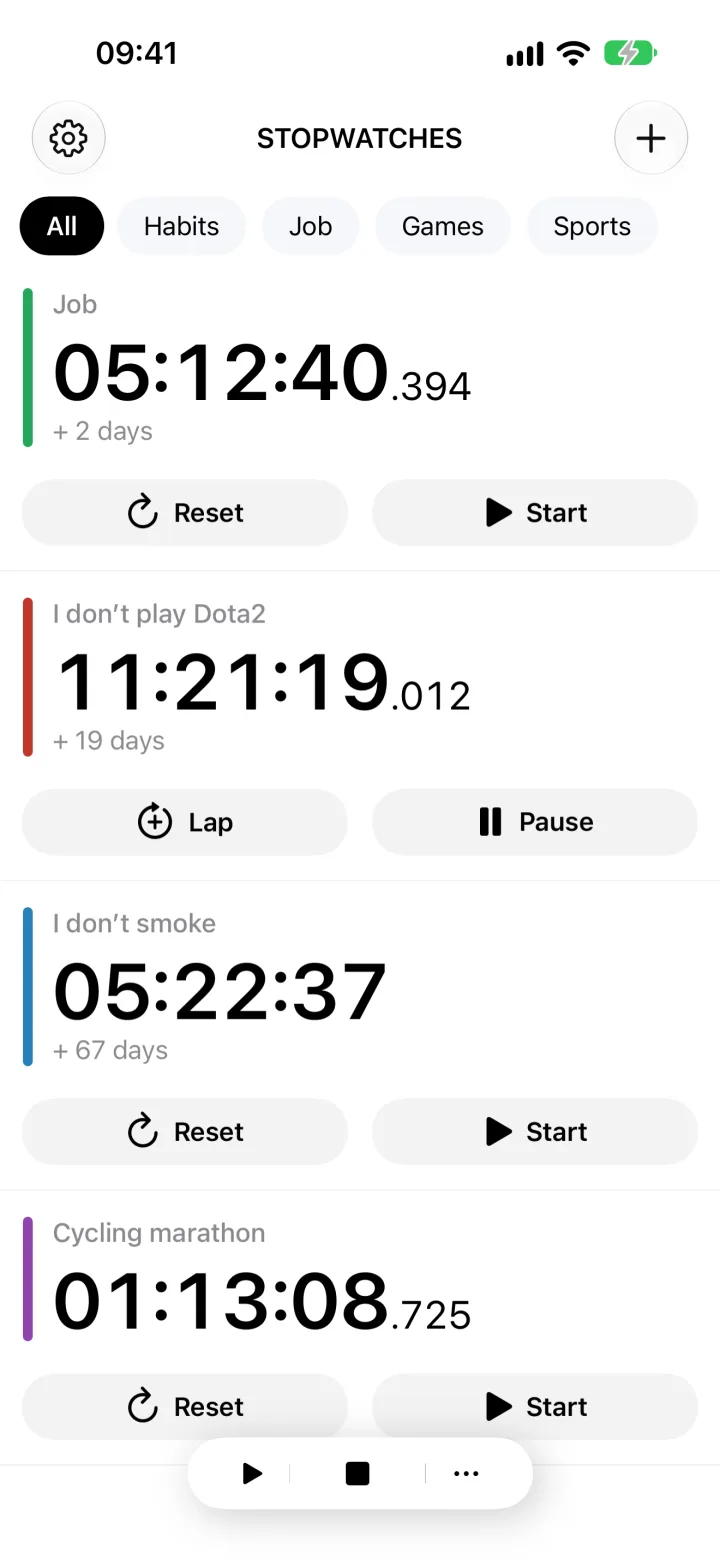
In Stopwatches, name each stopwatch and control it separately. For a one-off measurement, start with the online tools above.
Open Stopwatches on the App Store