Stopwatches at once
Multiple stopwatches for iPhone and iPad
Every stopwatch. Running together.
Track a workout, a job, a habit, and dinner at the same time. Name each stopwatch, choose a color, and keep the whole day on one screen.
Download on the App StoreFree to start · one-time Premium · no subscription
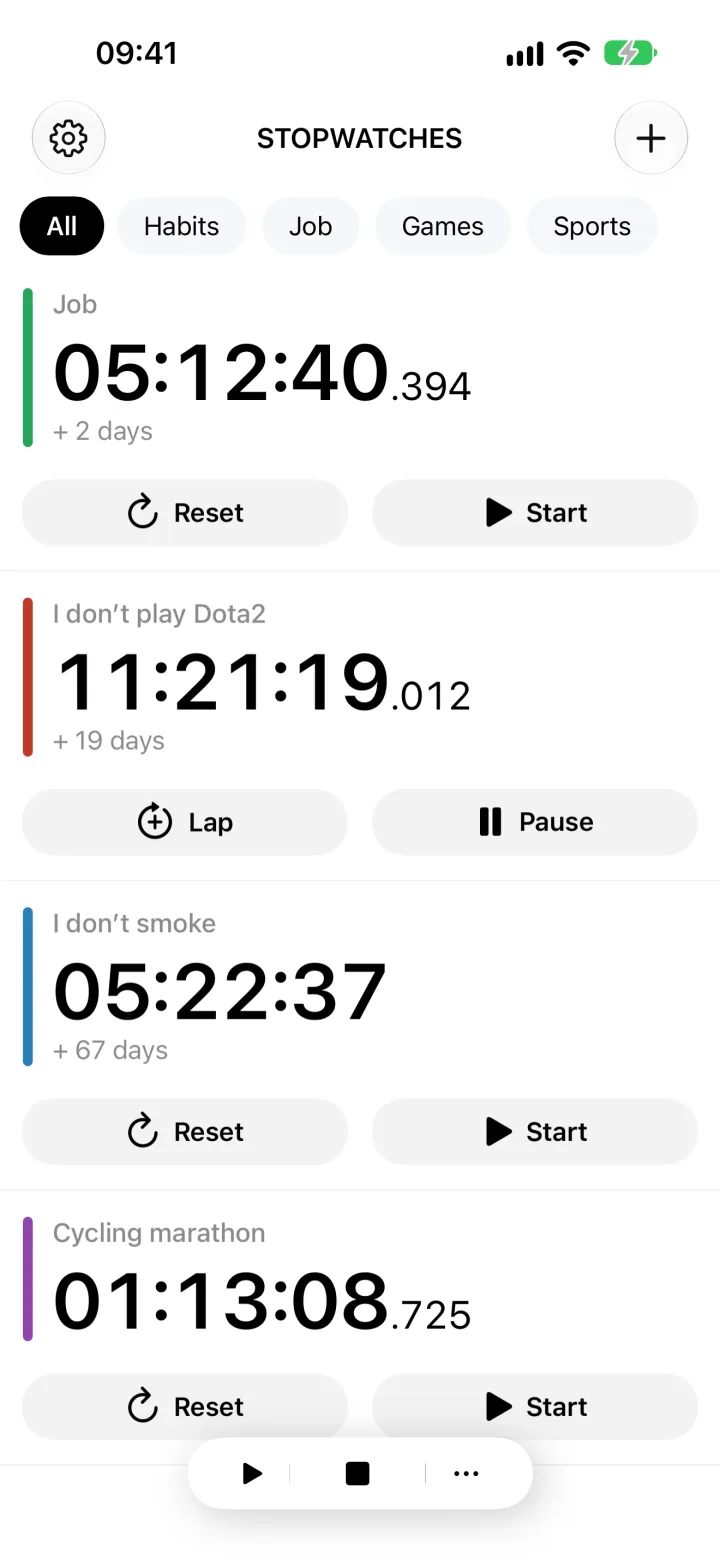
Compact and regular layouts
Subscriptions
One screen, many jobs
Stay focused on the work, not the clock.
Start any number of stopwatches and control them separately or as a group. The app keeps long-running counters readable, even after days or weeks.
- Run multiple stopwatches simultaneously
- Use single-stopwatch mode when only one may run
- Reorder the list with drag and drop
Built for real tracking
More than a start and stop button.
Keep the context around every measurement, then move the data where you need it.
Independent timers
Start, pause, reset, or lap each stopwatch without interrupting the others.
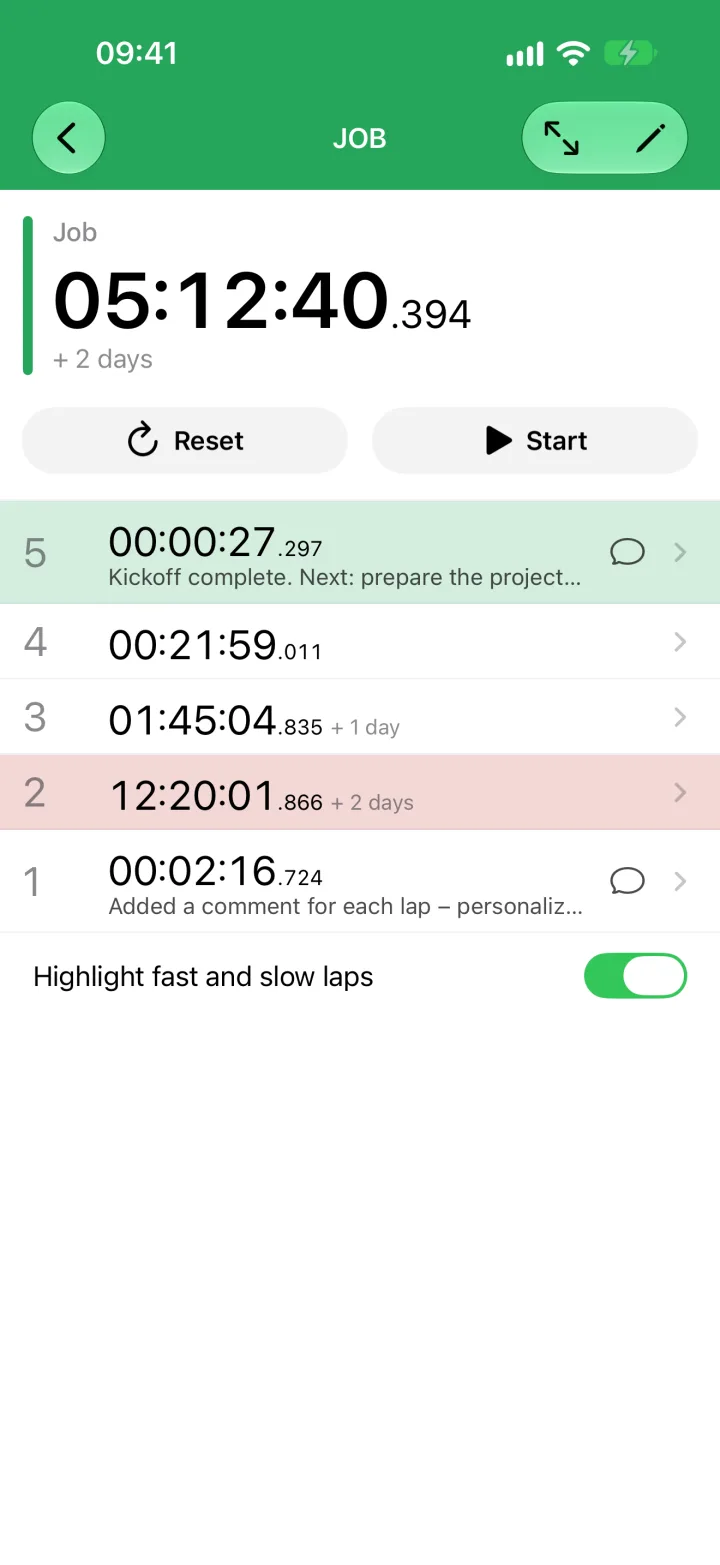
Laps with notes
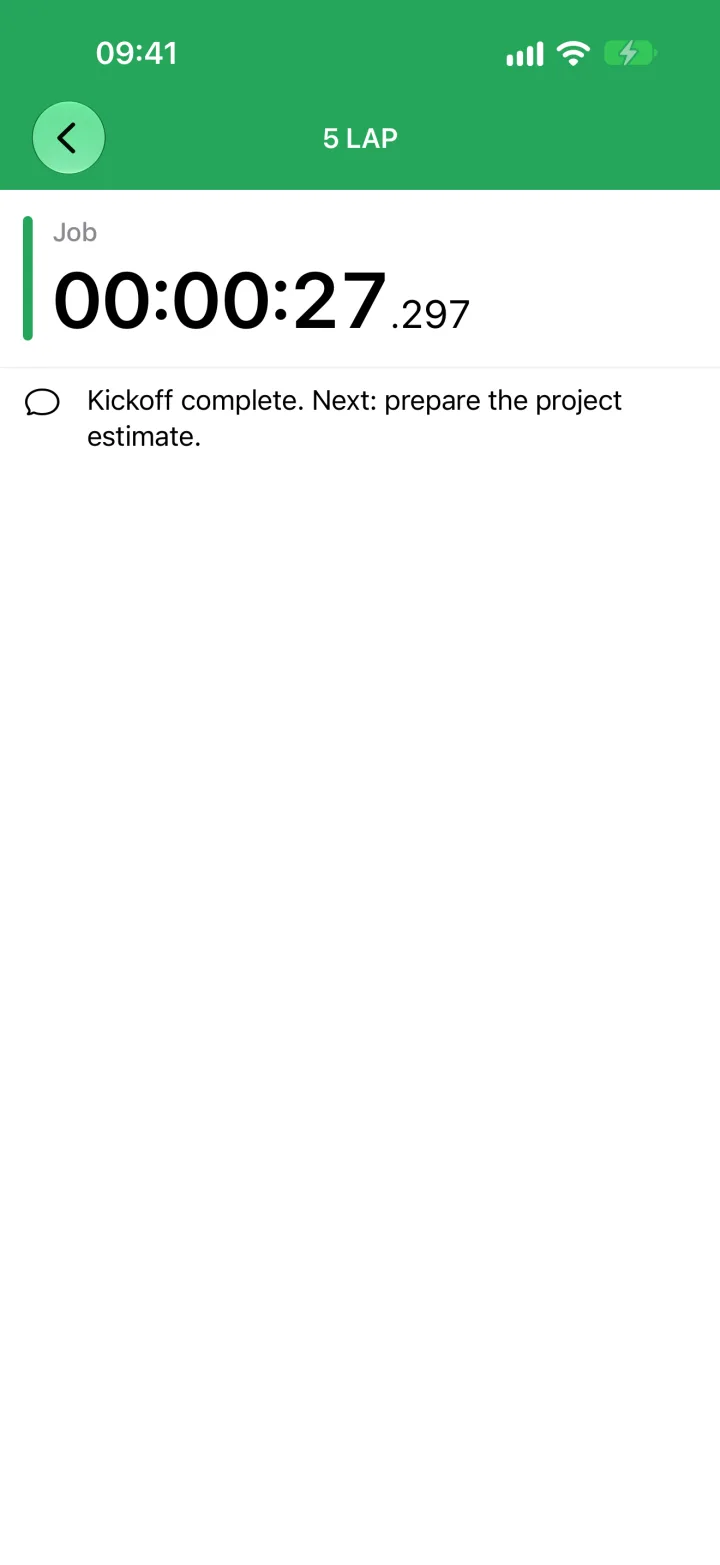
Record split times, add a comment, and highlight the fastest and slowest laps.
Folders and bulk actions
Group related stopwatches and start, stop, or reset an entire folder.
Export and backup
Send CSV to Excel, Numbers, or Google Sheets. Save and restore a portable backup.
Inside the app
A clear view at every level.
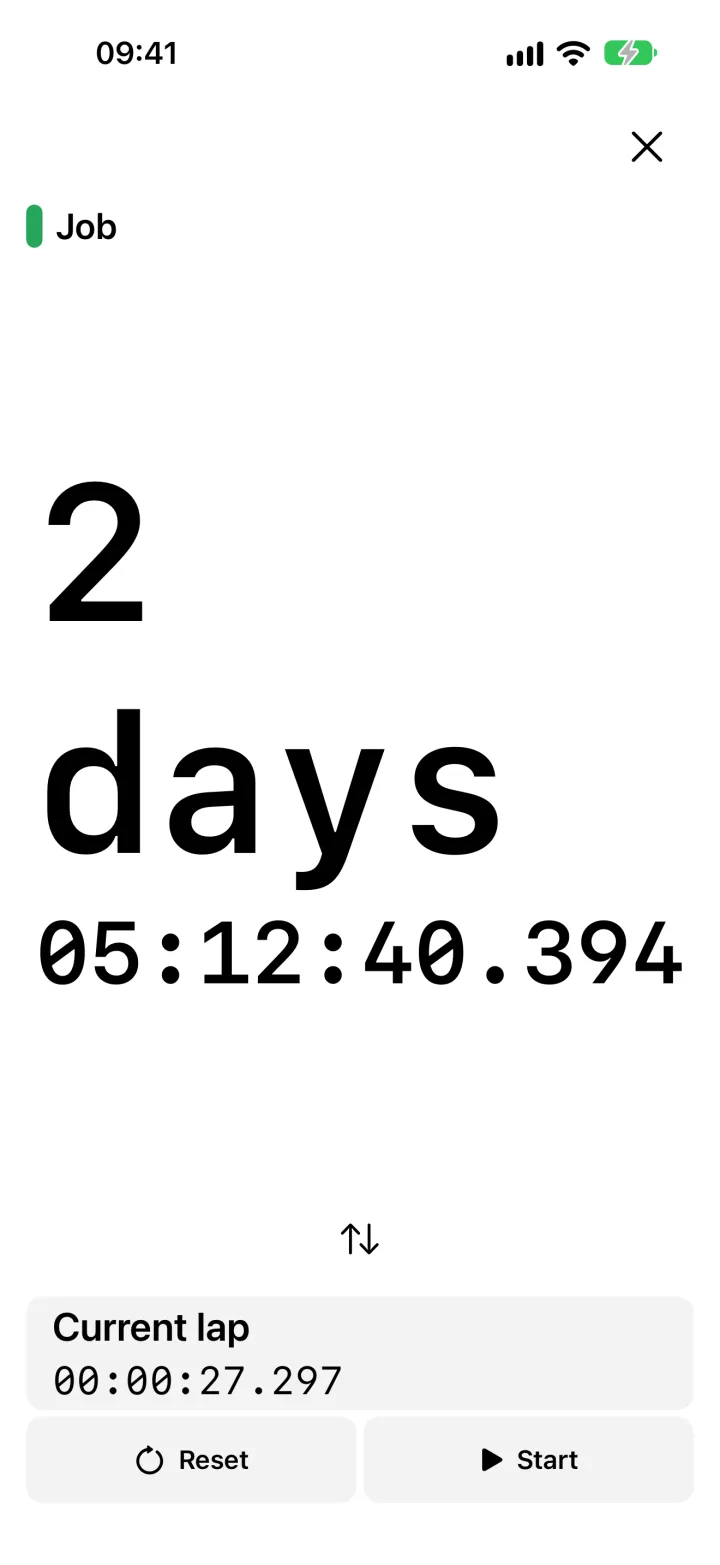
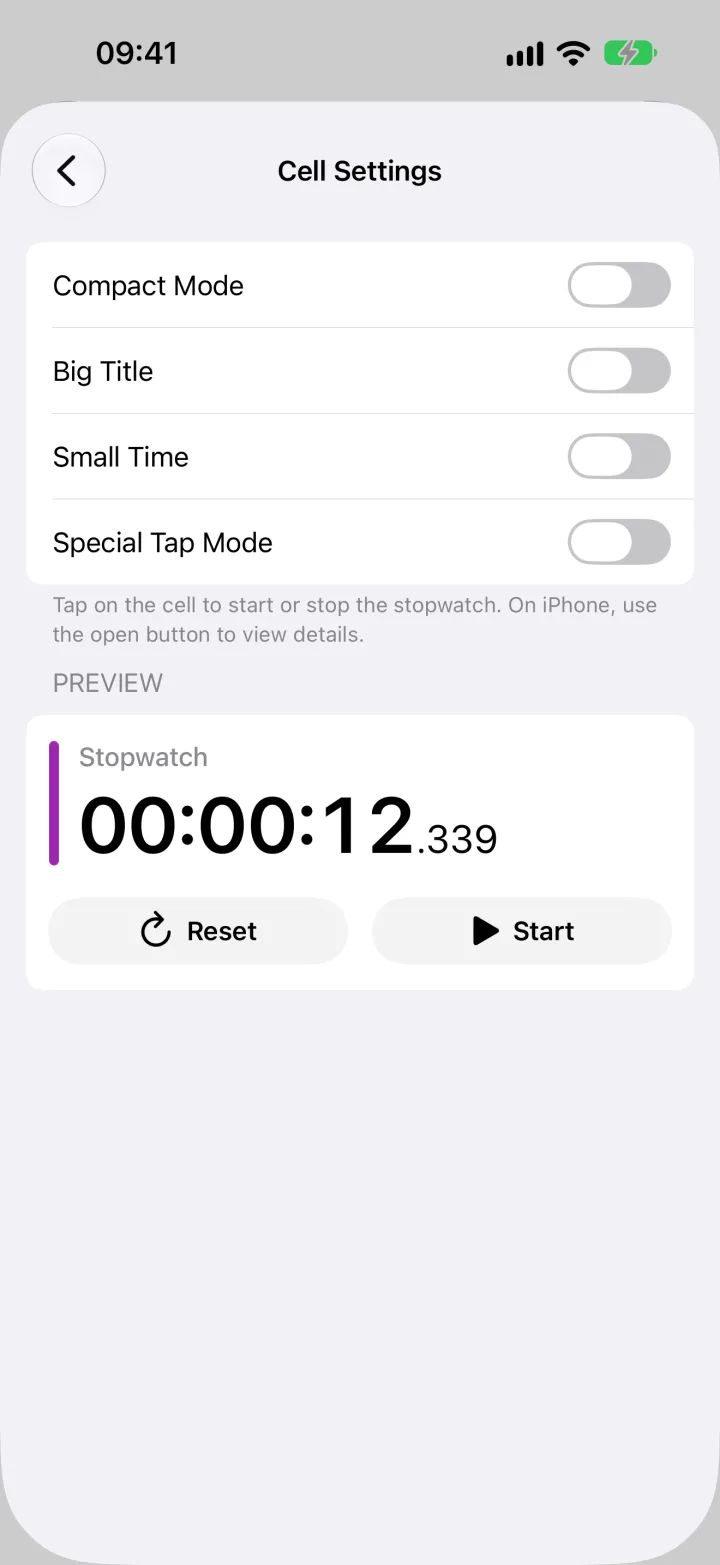
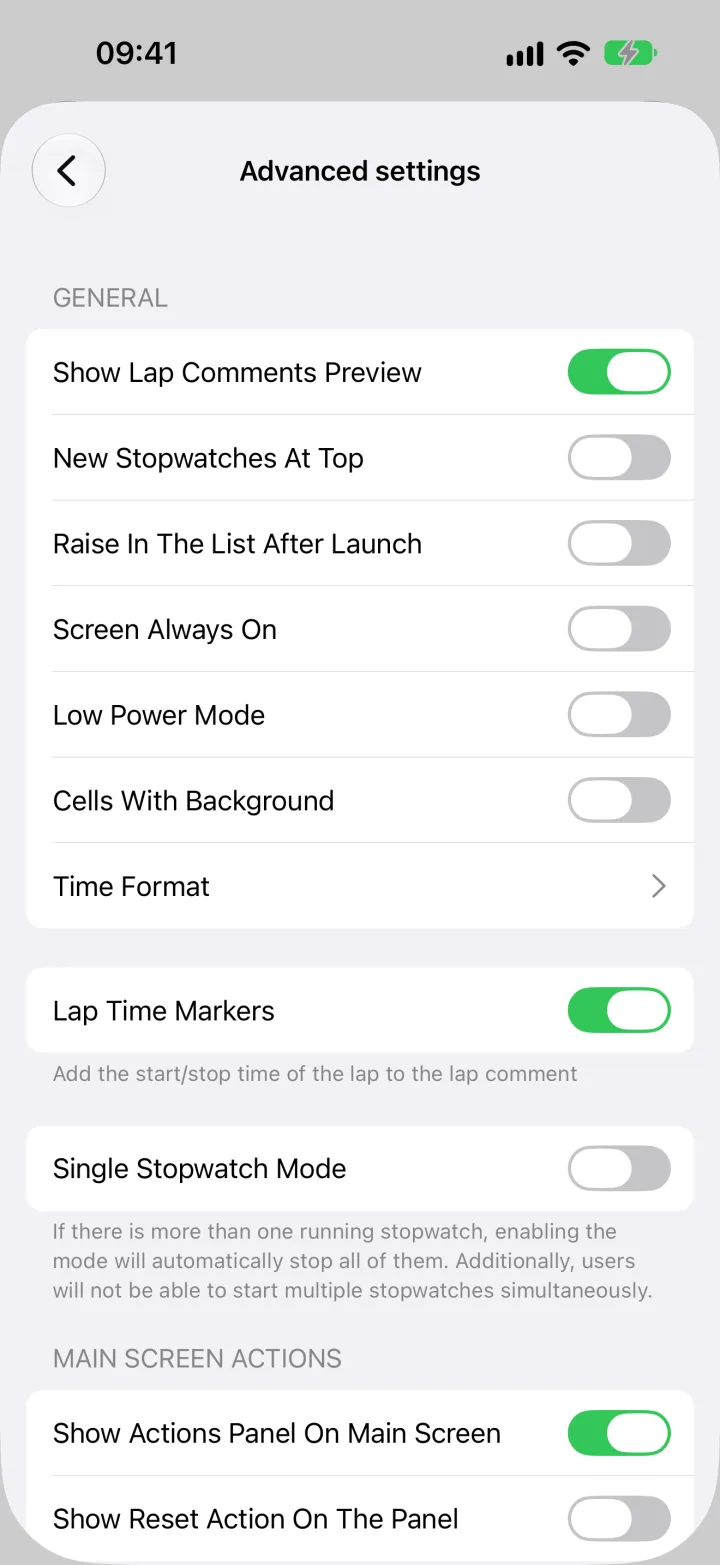
Scan the full list, inspect laps, switch to a distraction-free counter, or tune the layout to your routine.
Your setup, your pace
Make every stopwatch easy to recognize.
A busy list should still be readable. Names, colors, folders, and two density modes keep the right counter within reach.
- 11 preset colors plus custom colors
- Optional millisecond precision per stopwatch
- Full-screen focus mode with large digits
- Siri and Shortcuts actions for create, start, and stop
Your data
Stopwatch records stay on your device.
The app stores stopwatch names, laps, notes, and folders locally. You choose when to export or share them.
Privacy policyFAQ
A few useful details
Can several stopwatches run at the same time?
Yes. Each stopwatch runs independently. You can also enable a mode where starting one stopwatch stops the others.
Can I record laps and comments?
Yes. Each stopwatch has lap and split times, optional comments, and fastest or slowest lap highlighting.
How do I move my data to a spreadsheet?
Export selected stopwatches as CSV and open the file in Excel, Numbers, or Google Sheets.
Is Premium a subscription?
No. Premium is a one-time purchase. The app does not use a recurring subscription.
Does the app support iPad and dark mode?
Yes. Stopwatches works on iPhone and iPad, supports dark mode, Dynamic Type, and alternative app icons.
The clocks can run together
Start the first one in seconds.
Add a name, pick a color, and press Start. Add the next stopwatch when you need it.
Open in the App Store